

This entry is part 9 of 9 in the User Submitted Image Galleries Series
- User Submitting Gallery Images – Part 1
- User Submitted Gallery Images – Part 2
- User Submitted Image Gallery – Part 3
- User Submitted Image Gallery – Part 4
- User Submitted Image Gallery – Part 5
- User Submitted Image Gallery – Part 6
- User Submitted Image Gallery – Part 7
- User Submitted Image Gallery – Part 8
- User Submitted Image Gallery – Final Overview
We covered a lot of information in the User Submitted Image Galleries tutorial series, everything from registering our post types and custom taxonomies to performing advanced queries; from uploading images on the front end to configuring the backend; from outputting our images in a gallery to displaying additional images by the same user. There were a lot of techniques and methods demonstrated (some more advanced than others), and they don’t just apply to image galleries, but WordPress plugin development in general. I would now like to do a quick overview on everything we covered, including some of the things we did not cover in this series.
The primary goal of this tutorial series was to provide a base infrastructure that you will need to build your own user submitted image gallery, similar to what I built for CG Cookie. The final result of this plugin is not ready to be installed and used as is. As I discuss in-depth in the video, there are a lot of aspects of the plugin that need to developed further before this can be considered a “ready for mass distribution” plugin.
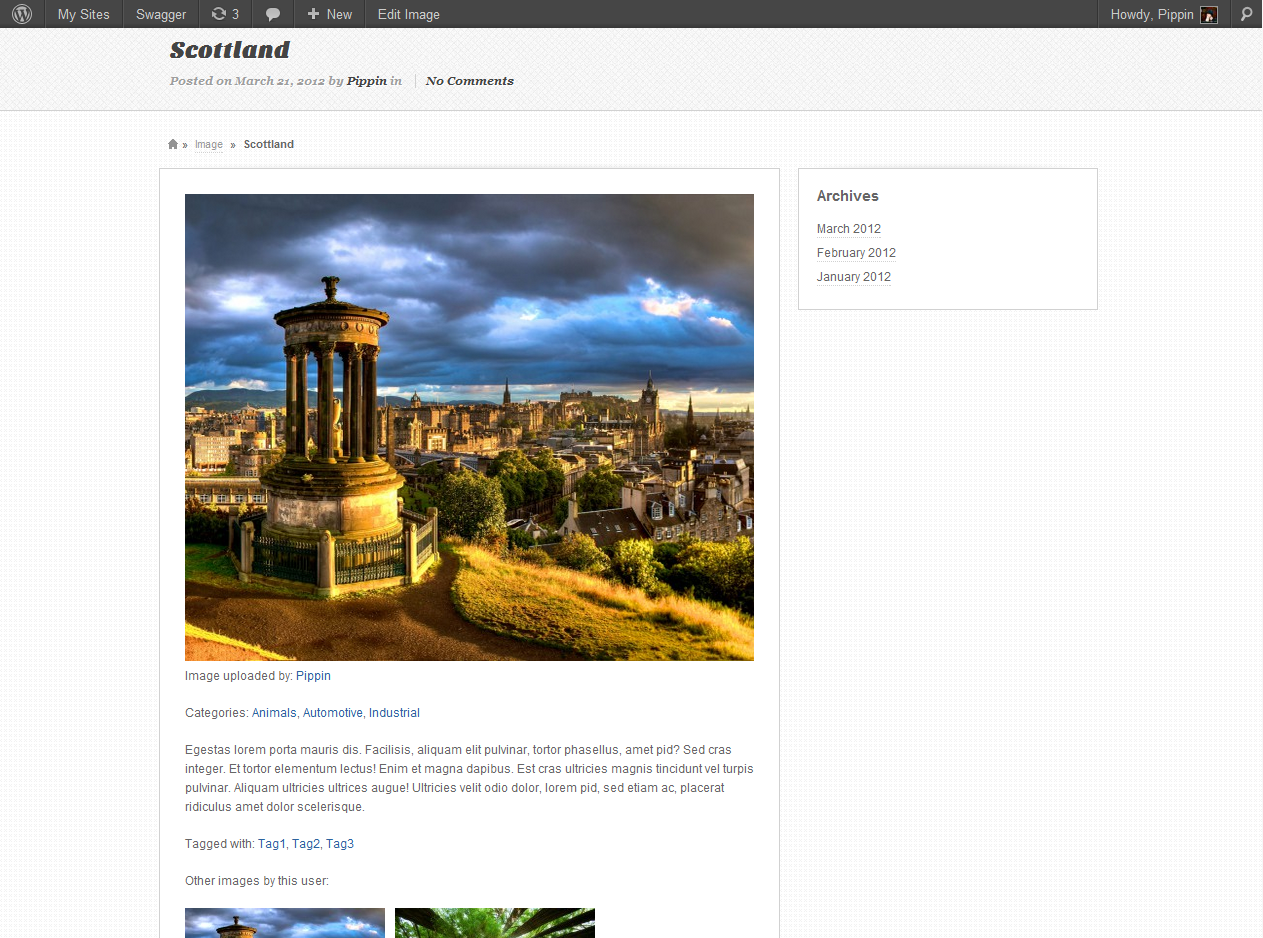
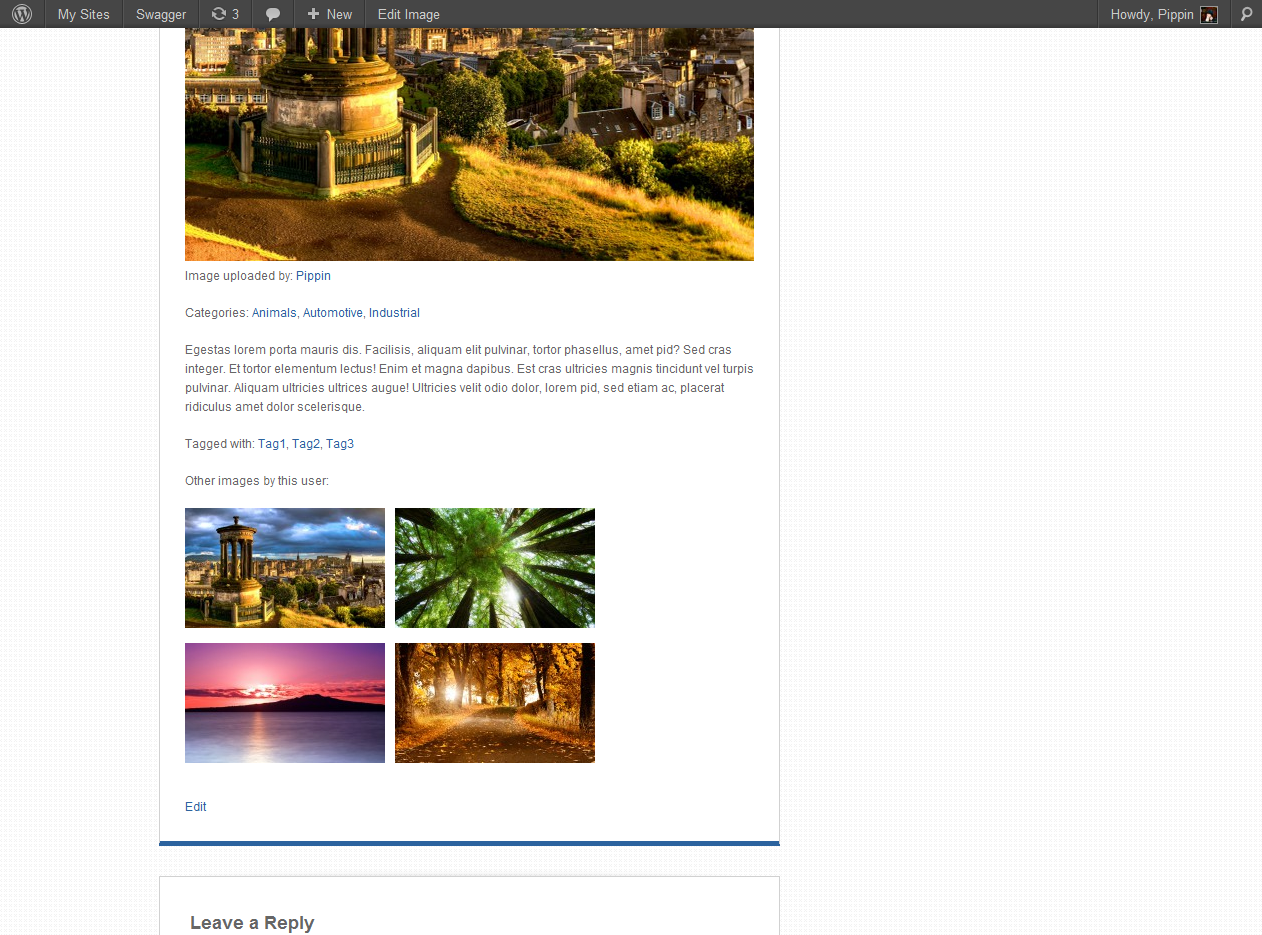
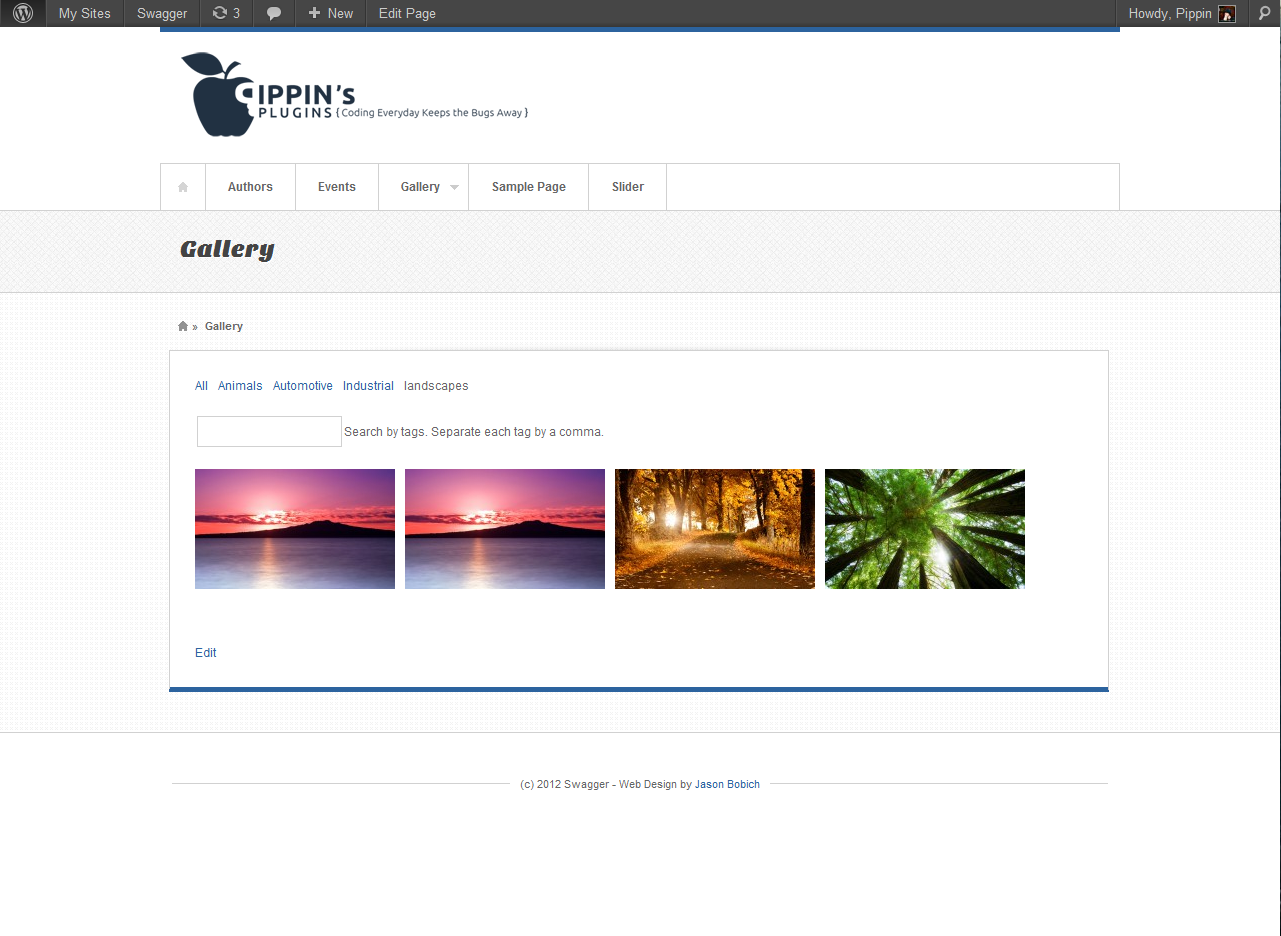
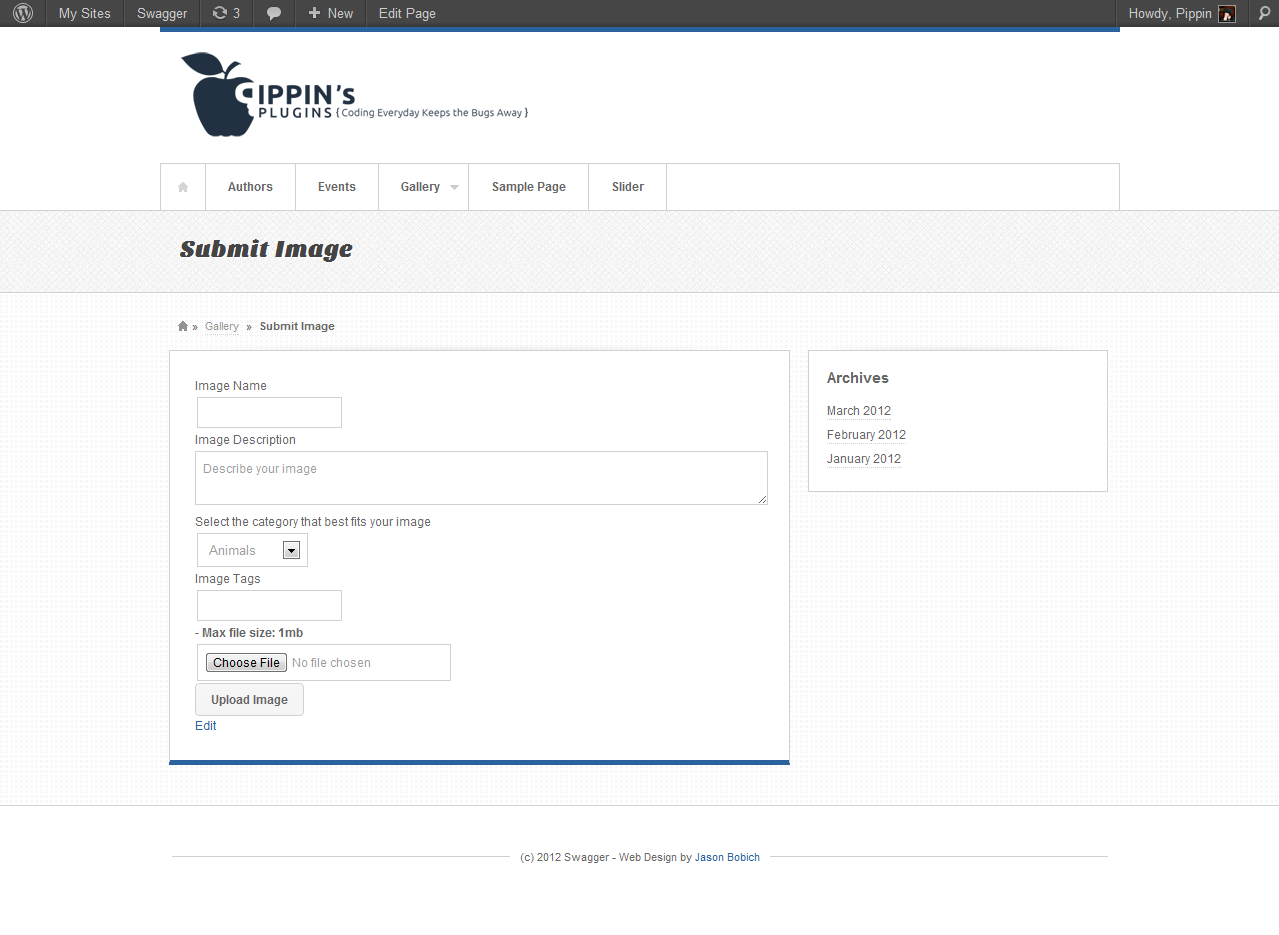
To help demonstrate some of the things we have built in this series, check out the screenshots below. Keep in mind that we did not ever focus on styling our galleries. We were only focused on functionality.

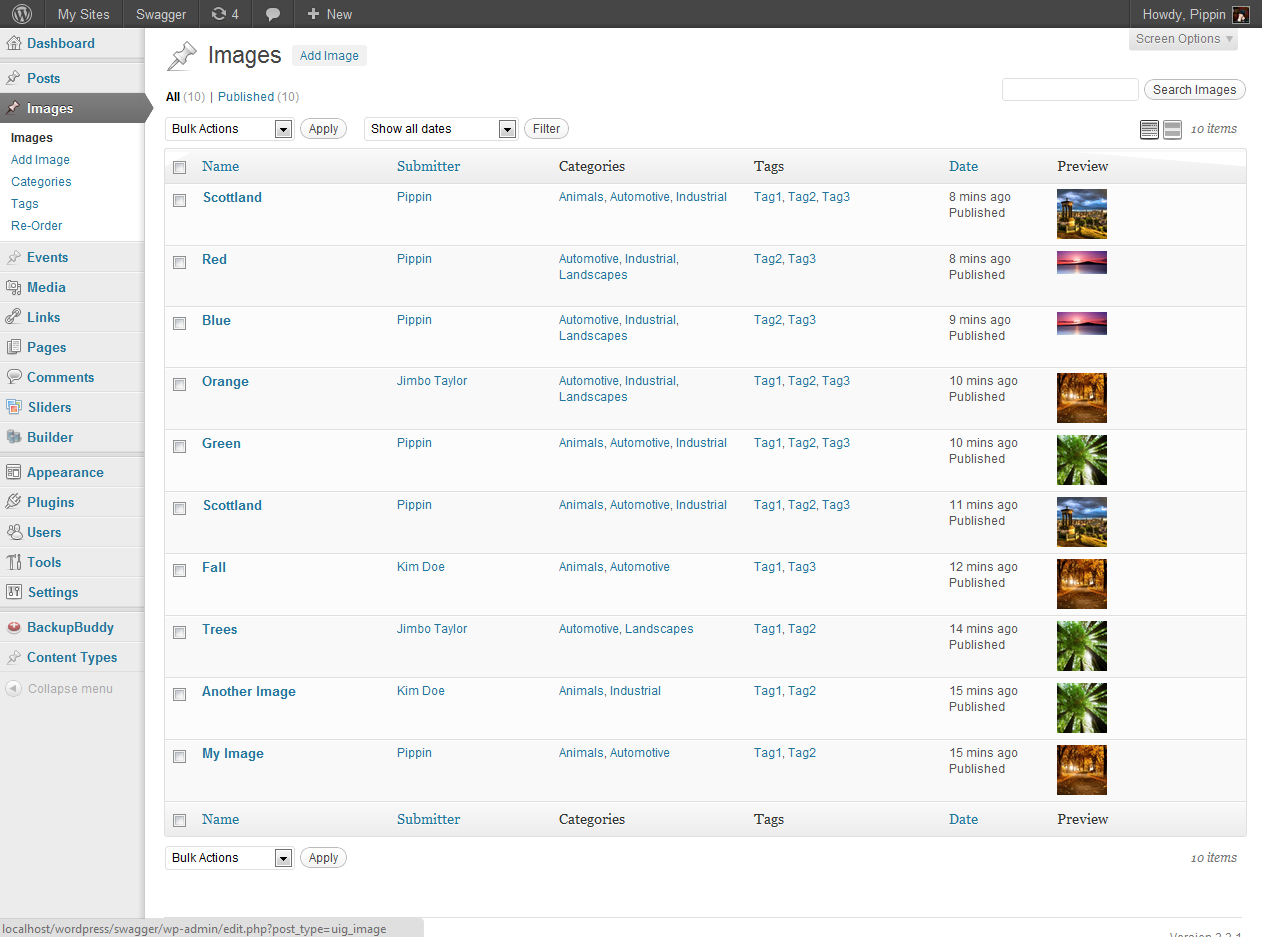
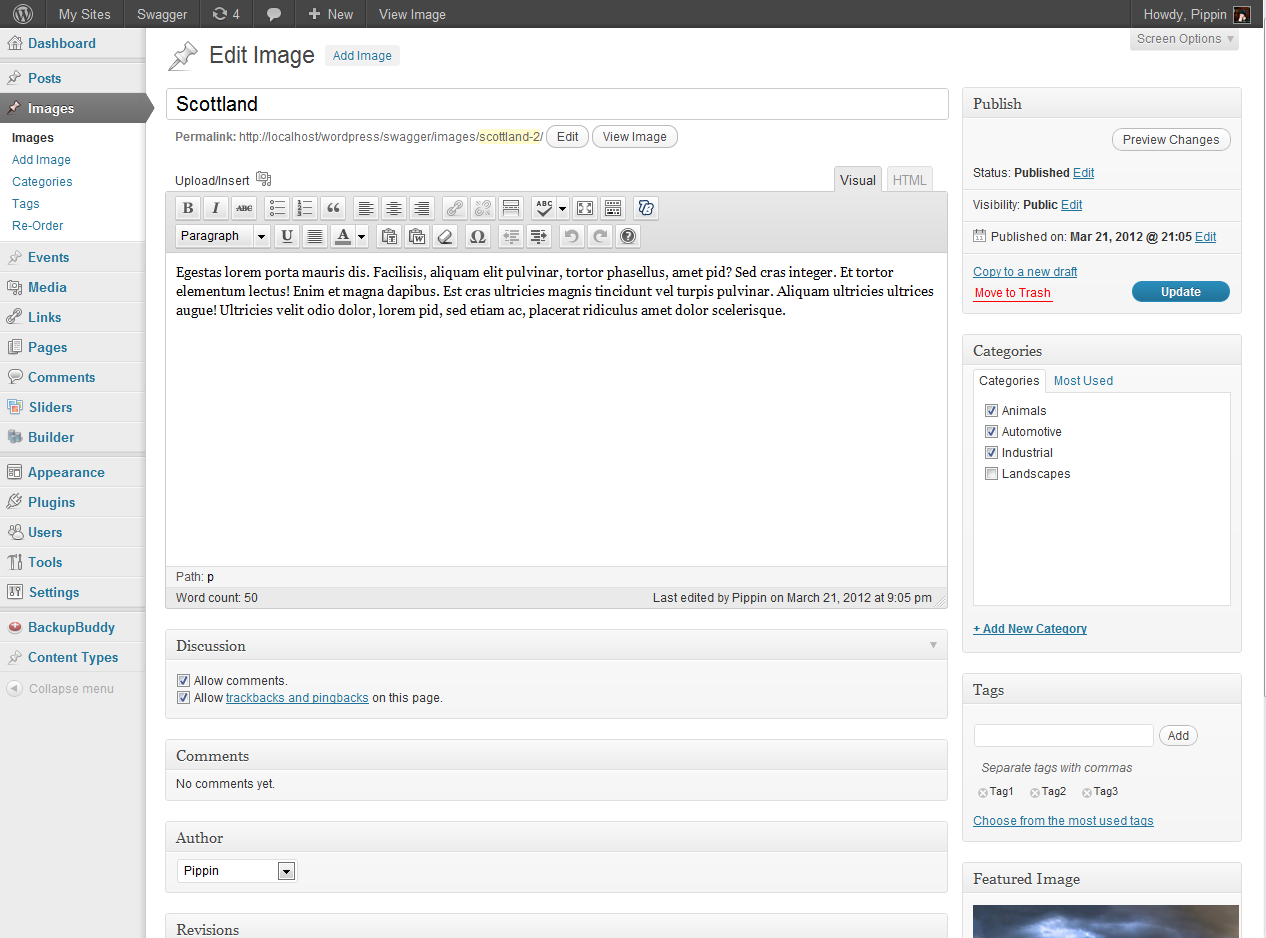
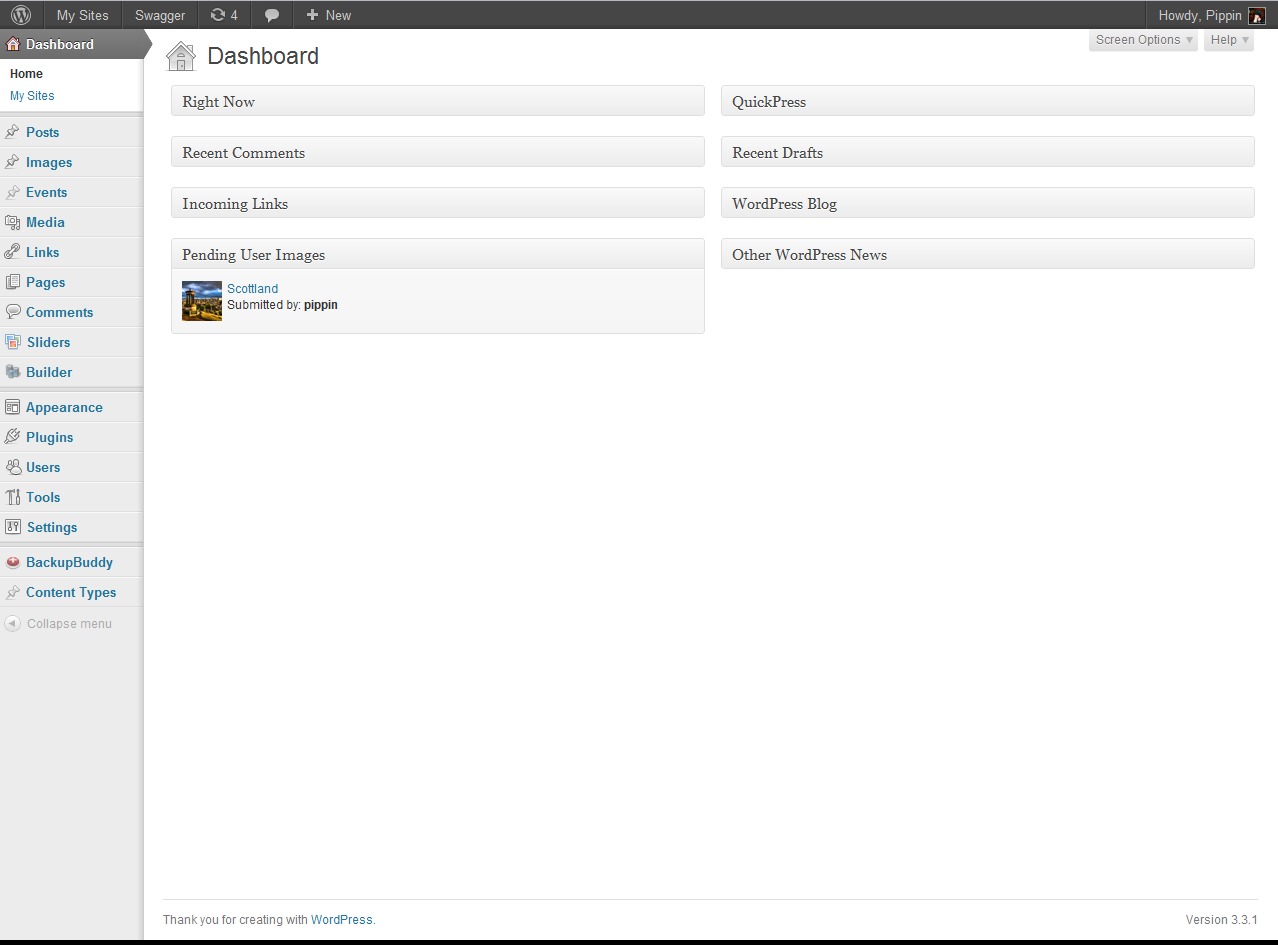
I hope you have enjoyed this series and even if you have not fully read through every part, I do hope that you have found at least one section of the series very helpful, since therehere were a lot of advanced techniques covered in the series.
The complete plugin we have created can be downloaded below (for premium subscribers).
If you would like to gain complete access to this series, you can sign up here for just $6 per month!
love the tutorial, is it going to be available to download?
Doh! I was supposed to upload that with this overview, but apparently forgot. I’ve just updated it with the source file download.
thanks 😉
also, curious what plugin you use for your series posts?
No problem! The post series are managed with a slightly modified version of this: http://codecanyon.net/item/post-series/239344
thanks 😉 ive bought that one
just a fyi, when you upload from frontend, it says only allowed jpg,png,gif, even though the uploaded image is a jpg
Not following . . . says it allows jpg, png, and gif, and you uploaded a jpg, and that’s a problem? My brain is a bit fuzzy right now, sorry.
when i upload a jpg, it spits out the msg only allows jpg, png, gif so it doesnt get past that stage
Ah, that makes more sense. I found the problem and have uploaded a new version. Please redownload it.
Hi
I am looking to add some pages to my website where people can upload an image, tag it , and then its displayed in a gallery page, where that gallery only shows images uploaded rather then the full media gallery.
Is that possible with this plugin ?
Not clear if I can just download the plugin and install it and off I go ?
Cheers
Cuan
Yes, that’s exactly what this plugin can do. Note, however, that the plugin available here is the result of a tutorial and is not a completely finished or polished plugin, so there will most likely be a few areas you need to tweak to best suit your site.
Hey Pippin, awesome progress on this. Specific questions, in our case, the user would upload 3-4 images for their unique profile. They are professional models.
1) when the user uploads the image, sometimes they are different sizes, one girl will upload a small facebook image, another will upload a trillion gig file that is high res. I would like to allow the model to zoom, crop, save, as she desires, which gets rid of MOST of the problems we have doing it for them.
2) once the files are uploaded they would go onto the theme page (home) and if you click on any of THAT girls specific images, it should redirect to her profile, with option to hire her.
Is there a way to build in the zoom, scale, crop, part so the models are in control of how the image ends up?
Thanks Pippin
1). There is a built in system, the same one that you see in the WordPress Media manager when you upload files, but I have never tried to use it in any custom way. Not sure what’s required.
2). This is really simple to do. All you need to do is modify the loop that outputs the gallery images. Are you comfortable doing that?
Hi there,
I’m making my first WordPress site, so I’m sorry in advance if these are dumb questions!
It’s a private genealogy related site for members and I’m moving hundreds of posts and photos (12 years worth!) from our previous site at myfamily.com, one by one.
I found your site while searching for a good upload/image plugin and yours is perfect for us. I sure learned a lot as I started from the beginning and went step by step until the end before I realized you made it available to download.
The only edits I’ve made so far are the columns and rows. Here are my problems:
1) The Gallery pagination loop isn’t working. It may have worked before I updated WordPress, but I’m not sure. It always stays on page 1. If I click “next,” the url shows …/photos/2/, but page 1 is still showing. If I click on page 3, the url shows …photos/3/, but page 1 still showing. If I click “next” from /3/, the url goes to /2/, but page 1 still showing. Same thing happens while viewing the categories pages. I have tried re-activating after the WordPress update.
2) I’m using WordPress Access Control plugin. The default is set to Members Only for single-blog posts, but when I’m viewing a single image post and log out, it’s still there. Is there something in the custom post template over-riding that?
I hope I made a little sense.
Thanks!
1). Can you show me your gallery loop code? Please paste it in snippi.com and then share the link.
2). Most likely the plugin isn’t taking into account custom post types. Does it show any settings for those?
1. Hopefully this is the right one (I have a lot to learn): http://snippi.com/s/q0vdzoj
2. You can enable access controls for custom post types and uig-image shows up on the list, but it says in the options “May not work if the post type uses a custom admin interface.” It works if I just make the whole site members only, though. It shows the buddypress post types too, and those didn’t work either, but I found another plugin for those.
1). I’ll need to see the complete code, including the query.
2). Sounds like a definitely problem with that plugin.
Sorry for the delay. Thanks for your help. Here’s the complete code:
http://snippi.com/s/gd0gupu
I made that page public for now, if that helps. Here’s my gallery:
http://wildbunch.itrunsinthefamily.net/photos/
Thanks. That code looks right. Have you tried resaving your permalink structure?
Yeah, I think the code is right, too. It worked fine until I updated to WP 3.5, 3 plugins and the theme all at the same time. But I have deactivated all plugins and tried changing themes with the same result. I resaved permalinks, too. I wonder why it would work fine when I preview the theme (or use “customize” to preview it,) but not live.
I really like it so I hope I can get it working!
Thanks
If you switch to the default permalink structure, does it work?
No. I just tried it again, doesn’t make a difference. It does act like a permalink thing, though. Still trying to figure it out because it’s exactly what I want. I think it’s weird that it works when I navigate in “customize” or a live preview mode but not live (but then I’m new at WP.)
When you switched themes, did you try the default theme?
Yes I did, and I thought it was going to work until I activated it.
Hmm, okay. I’m going to do some thorough testing on this later this week to see if I can replicate / fix the problem.
Oh thank you. I’ve spent hours reading and trying to figure it out and trying all the usual things. On the bright side, I sure have learned a lot. Here’s the link: http://wildbunch.itrunsinthefamily.net/photos/
I’ll make it public again tomorrow if it helps.
I have replicated the problem and fixed you. You can download a new version from the post above.
It’s perfect. Thank you so much for taking the time.
Great!
Howdy Pippin,
Are you working toward finishing the User Submitted Image Gallery plugin?
My site is for a small residential condo community that I would to give residents the ablity to upload photos to.
Happy trails, Mike
The plugin is not going to be released but it is fully functional as is. The reason it’s not getting released is simply that there are so many variables to take into account. It’s much better suited for users that are able to take a little time and integrate it into their site, as opposed to plug and play.
Hi Pippin,
Great plugin. I am having an issue with the gallery, it only displays one image at a time and paginates each image as one page. I tried switching to the twenty12 theme, disinstalled all other plugins and refreshed permalinks (set to Post Name). WP version is 3.5.1.
Can you help?
Thank you
Hi, think I resolved this. In shortcodes.php – line 90
‘per_page’ => 10
It was set to 1 in your download.
This plugin download button goes to a 404 page . Is there a working link somewhere?
It’s been fixed.
Thank you … got it!
I LOVE this plugin SO much! Check out how your hard work looks! ChristianiTees.InfiniGrafix.com/Tees
I eagerly await further development on this wonderful plugin! If I can EVER help you! Let me know! 😉
Hi Pippin,
I really enjoyed working through this tutorial series and have gotten nearly everything working and have built upon it also. The issue i’m having is that none of my uploaded images are getting re-sized and cropped based on the values specified in image-sizes.php. Is this code still current as I understand it was released in 2012?
Thanks.
Can you show me what you have in image-sizes.php?
At this stage I’m using the sizes you specified. I believe i’m using the same code that is outlined in image-sizes.php and filters.php throughout the tutorial. I’ve linked the code just in case I’ve missed something. http://snippi.com/s/c58wxd1
Thanks a lot. Also just wanted to say that I’ve learnt more about how to develop for wordpress in a few days from your site than I would have in a year from anywhere else.
Hi Pippin,
I have been a subscriber for a couple of months, tried to read and follow along with this tutorial, but then realized I was way over my head.
Today I was browsing again and read this post till the end – and felt really stupid.. did you have the plugin for download? Is it still for download?
Thank you so much.
It’s available at the bottom of this post to all paid subscribers.
Hi Pippin,
Could you please explain to me why when I press on the user’s name I am forwarded to an error page instead of his or her uploads?
If I press on the tag I get a list of photos by this tag.
The problem is only with the user’s personal gallery.
What’s the error message?
page not found.
Hi Pippin,
you haven’t replied anything. Can you at least confirm that this issue exists, and perhaps guide me and the other users with this problem through this?
Sorry about that, I didn’t see your comment.
As a quick test, does the error happen with the default Twenty Twelve theme as well?
Hi Pippin, so happy to hear from you. I tested on the twenty twelve. Still the same mistake page (page not found) but interestingly- this theme has different colors for links- and while the other links are deep blue- (categories and tags) the user name is grey. Underlined like the other tags but grey.
Ok the link color wasn’t any sign, sorry. Apparently that’s how any link looks after you been to that page in twenty twelve. But I did some aditional testing- and shot down all the other plugins. So only user gallery was running and – still an error- page not found.
Hello Pippin, did you get a chance to check the code?
I cannot use this plugin if there is a bug like that, and I spent all this time (and money) on it. Can you please help me out?
I am not the only one with this issue, as I said. There are ther people who registered to the site and did this tutorial who are waiting for a solution ot at least an advice – what to do.
Sorry for the delay.
Note: this plugin is not meant to be used as is. It is designed to be a starting point on which to build your gallery system. The tutorial series walks you through how to build the entire plugin so that you know how to do it. It’s not meant to be used exactly as is.
Have you modified the plugin in any way?
Hi Pippin,
I was not sure you were getting my comments.
Yes I modified the plugin in two ways.
I had the problem with one photo per page as other users have mentioned and I used this advice I found in a few of the comments- “Line 84 in shortcodes.php is “‘per_page’ => 1″, I changed this value to 20 and it is looking good ”
Second thing is the thumbnails and general size restrictions. My images were looking rather small and- so I made the values greater.
Could you send me your modified copy? I’ll test it for you on my site.
Hi Pippin. where do I send the file to? I tried using the support form but it asks me for a license key.
I sent it to pippin at pippin plugins. let me know if you get it. thank you
hi,
I want to know is there any possibility I can upload video or youtube/vimeo links .
Regards,
persie
No sorry.
Hi Pippin,
Does this knowledge still applies to the current version of WordPress (4.3.1)?
Yes it does.
Why not try this new one
https://wordpress.org/plugins/wp-upg/
It is what everyone wanted.
Let user to submit photo from front end and automatically gallery is created based on category.