
Rémi Corson is a good friend of mine who has been so kind as to translate Restrict Content Pro into French. Recently he released a plugin called Easy User Fields that provides a very easy-to-use interface for adding custom meta fields to user profiles.
From Rémi:
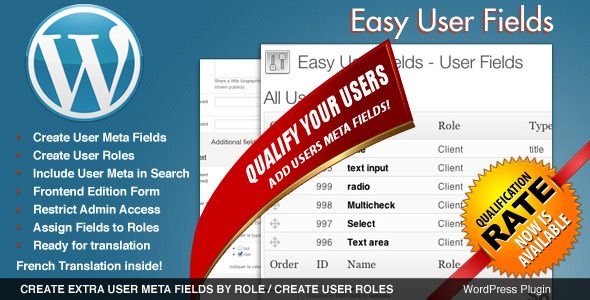
Easy User Fields is a WordPress plugin that helps you create extra user meta fields by user roles. That’s simple: if you have more than one user in you WordPress install you need this plugin.
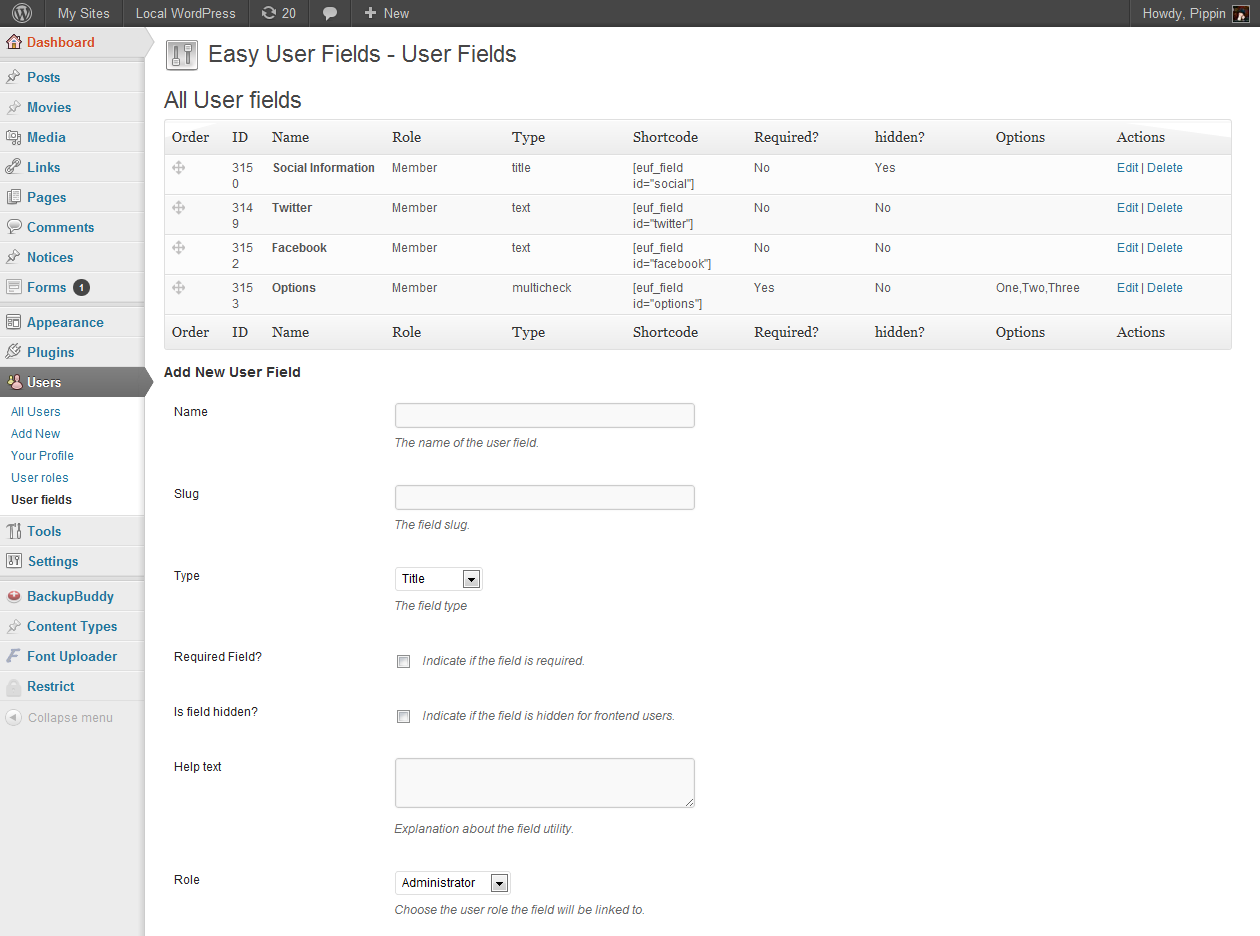
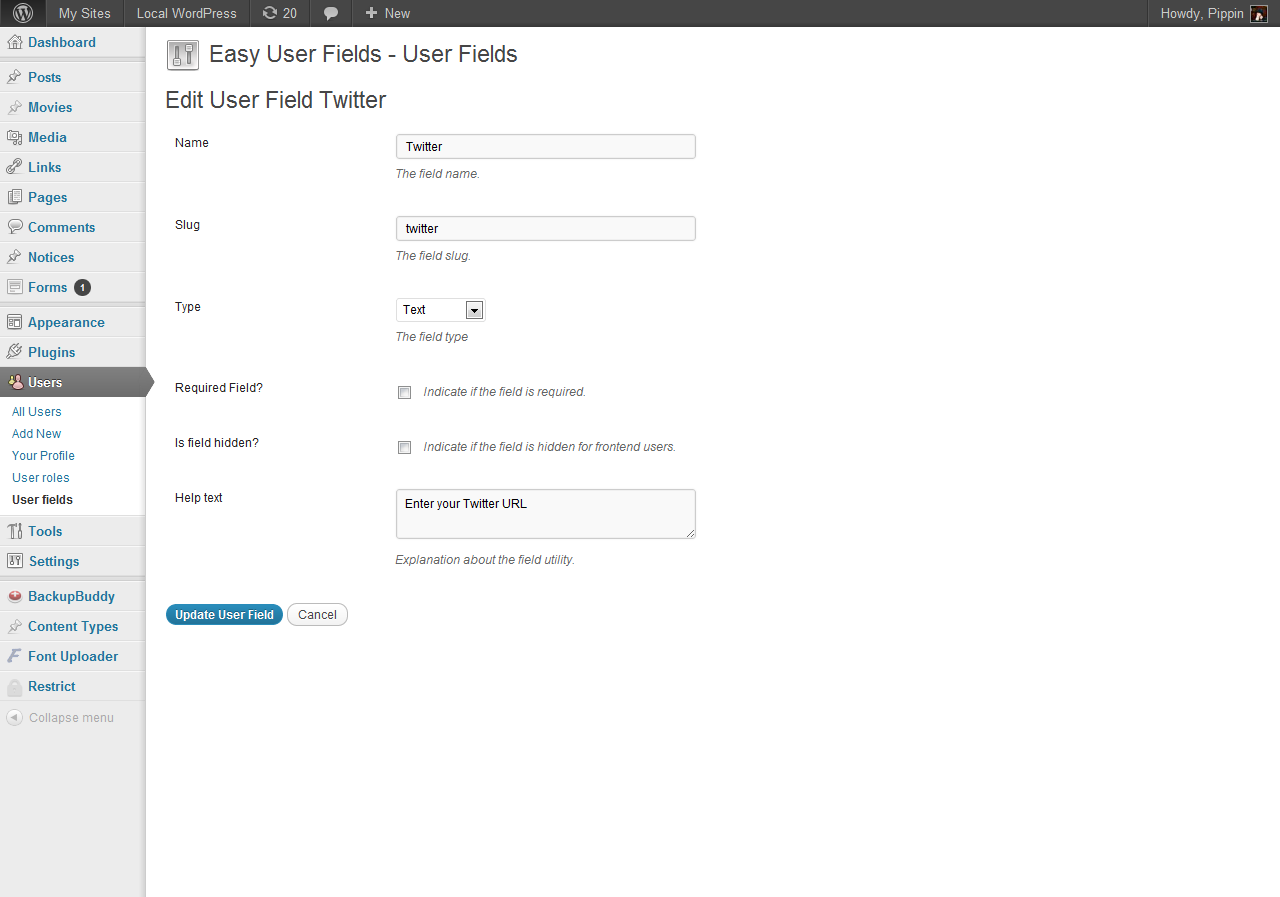
If you are familiar with my Easy Content Types plugin, then you will be right at home with Easy User Fields. The interface for adding custom user fields is very, very similar to ECPT, and also fits perfectly into the WordPress core interface.
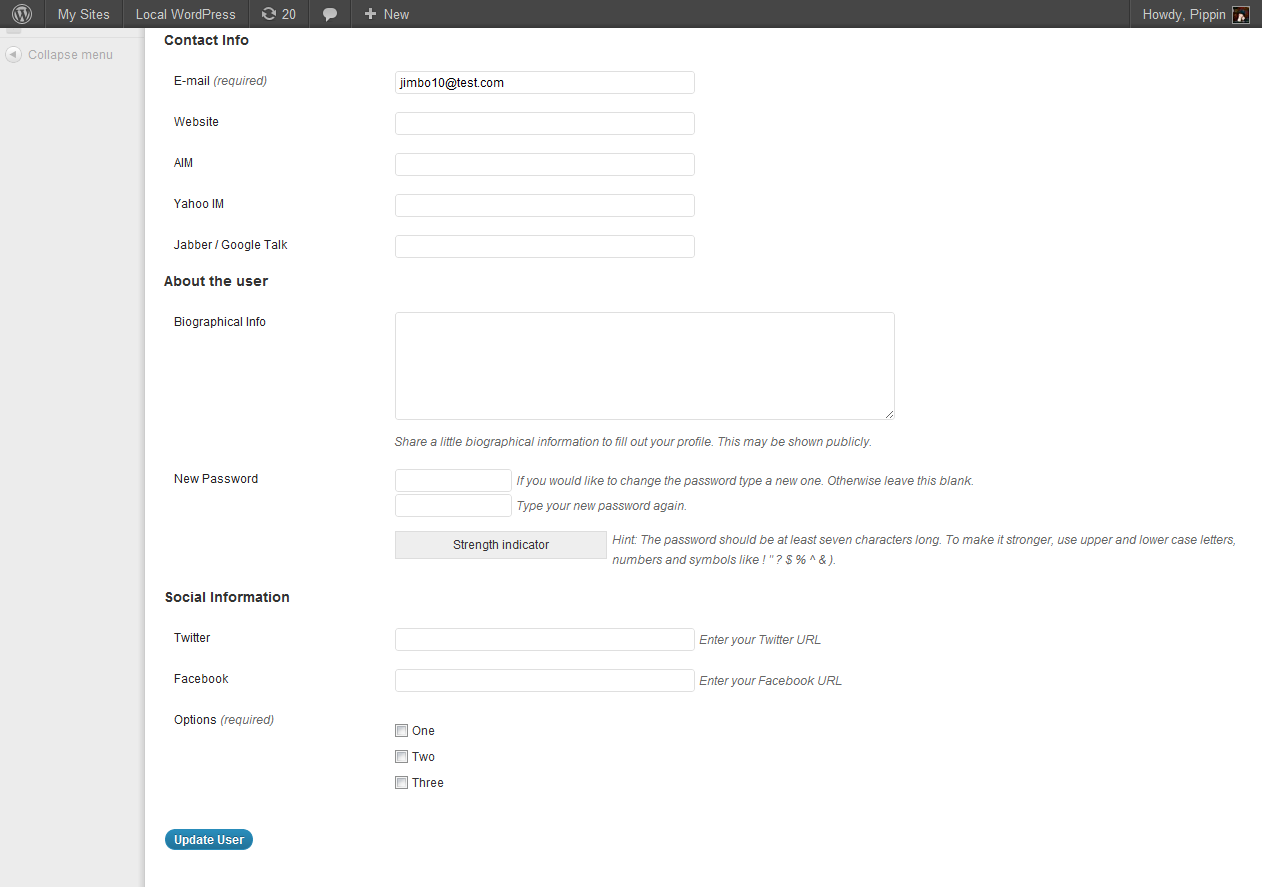
In less than five minutes, you can easily add meta fields to user profiles for social URLs, contact information, extra biographical information, or any other kind of information you might need from your users. One of the really, really great features of the plugin is that you can add meta fields to users based on their user role. This means that Subscribers can have one set of profile fields, and Editors can have an entirely different set. You can also add as many custom roles through the plugin as you want.
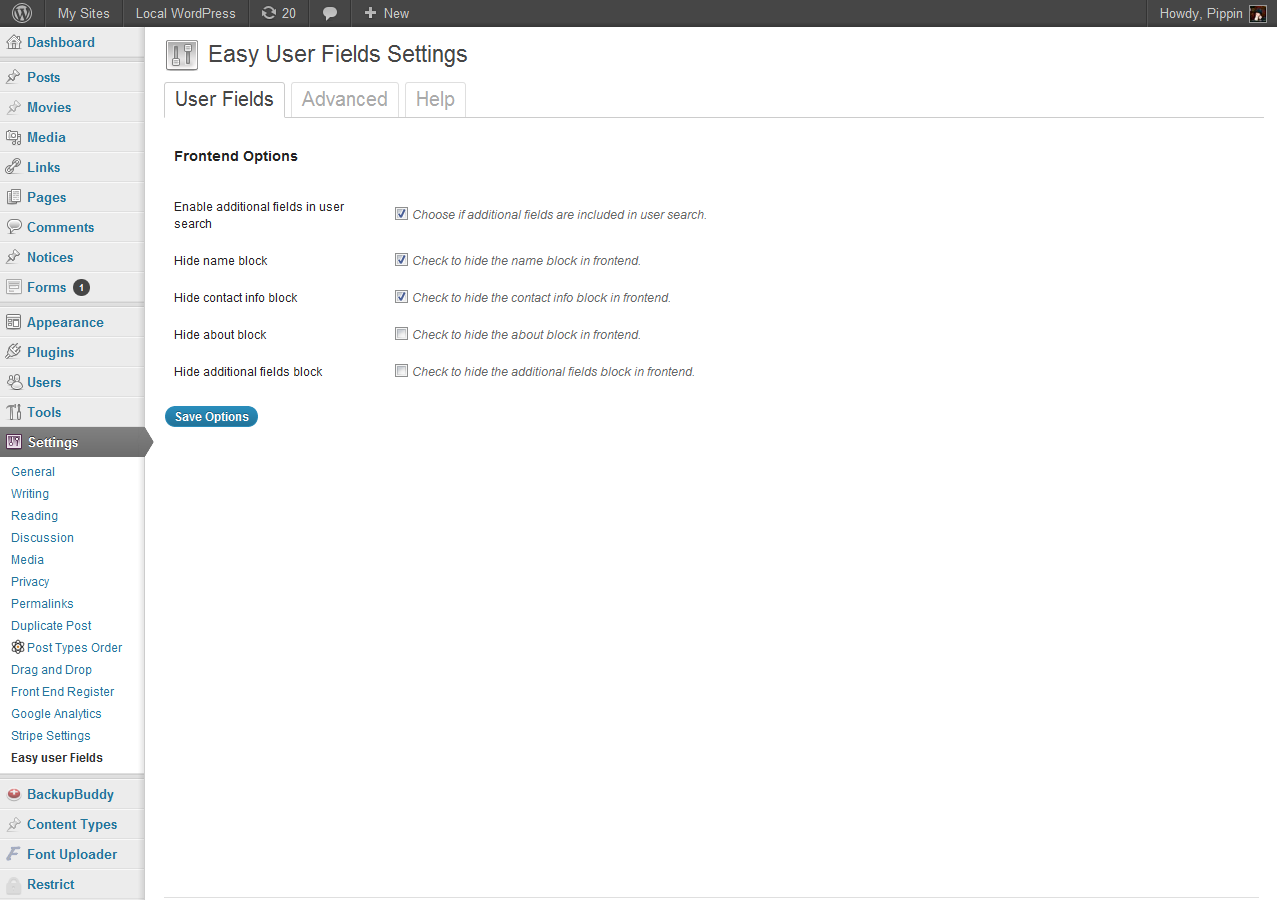
Also included with the plugin is a front-end profile editor that makes it super easy for your users to edit their profiles without the need to enter the WordPress dashboard.
Plugin Screenshots


Purchase Plugin $14
Many thanks Pippin for this review! I will update it very soon to add more features and bring some changes to make it better.
This is terrific, I was just going to send you a note asking if that was possible or you had an extension in the works 🙂
Question: do you have any screencaps or screencasts on how the custom fields look and function on the frontend when a user subscribes via a Restrict Content Pro environment?
Do you mean the custom fields that RCP uses and how they would look in Easy User Fields?
I’m not sure I have an adequate reply for that. I haven’t purchased RCP yet so I wasn’t aware it had the ability to create custom fields that users need to complete upon registration anyway, is that the case? If so, how are those different than what’s included in the plugin here?
There is not an interface for creating new fields, but there is an API for it. See my tutorial for details: https://pippinsplugins.com/add-custom-user-meta-fields-to-restrict-content-pro-registration/
When custom fields have been created, they are different, primarily in that the fields created through RCP do not show up in user’s profiles; fields created with Easy User Fields do (if enabled).
Gotcha, what I would need is something that would show up on the admin panel; at least to admin level users. So in order to create a registration form that includes the additional fields AND have those fields appear on the backend, this plugin meets those needs, correct?
If so, is there a way to set up the admin panels so that some of the fields are only viewable by admin level users?
By in the admin, do you just mean in the user profile editor page? If so, then yes 🙂
That AND the user index pages; meaning, determining which custom fields are displayed in the index columns.
In a perfect world, a list of users could be exported based on checkbox selection of custom field types (fingers crossed).
The client I have who is in the process of migrating away from an expensive, outdated system of member management would love to switch over to a WP solution but the one sticking point is they need a number of non-standard fields in WP’s user profile system. Moreover, having the ability to export that info into reports (new users subscribed since “X” date, which users are attending a conference, etc.) is something they need. So on a broader sense, it’s more of a comprehensive member management system via user accounts. Make sense?
Makes sense. Easy User Fields will give you the ability to do some of that (primarily on the profile pages), and RCP will give you the ability (with a little code) to setup custom registration forms, and to display the fields in the Members section of RCP. Neither will get you 100% there, but they are a good start. The rest could be achieved pretty easily with a little extra coding.
Many thanks, that’s very helpful; are you in a place right now to put a quote together do that little extra coding work if I send along specific info?
No, but I can always point you in the right direction and/or to someone who can.
I’d appreciate that, many thanks.
Can admin users insert data into read only fields that the user can see in their profile but not edit?
You can insert “hidden” fields, but not “locked” fields. That’d be a great feature request to ask Remi about.
can this plugin work with buddypress??
I’m not sure, you will need to ask Remi that. You can ask him from the plugin’s detail page on Code Canyon.
Hi, i haven’t tried to make it work with buddypress, i’ll give a try !
Hey Pipin!
Is that plugin working with RCP API?
Thanks!
No, the plugins are not integrated.
does this work with easy content types and easy user fields work with buddypress yes or no?
sorry I meant
does “easy content types” and “easy user fields” work with buddypress yes or no? I really need these features for my buddypress site very important and anyone out there who can help please its important I have been looking for a while for a plugin like easy content types and easy user fields, really need them compatible with buddypress
It should work fine.
Can my “wordpress user” edit their “wordpress personal info” such as upload photo, edit address, from front-end page?